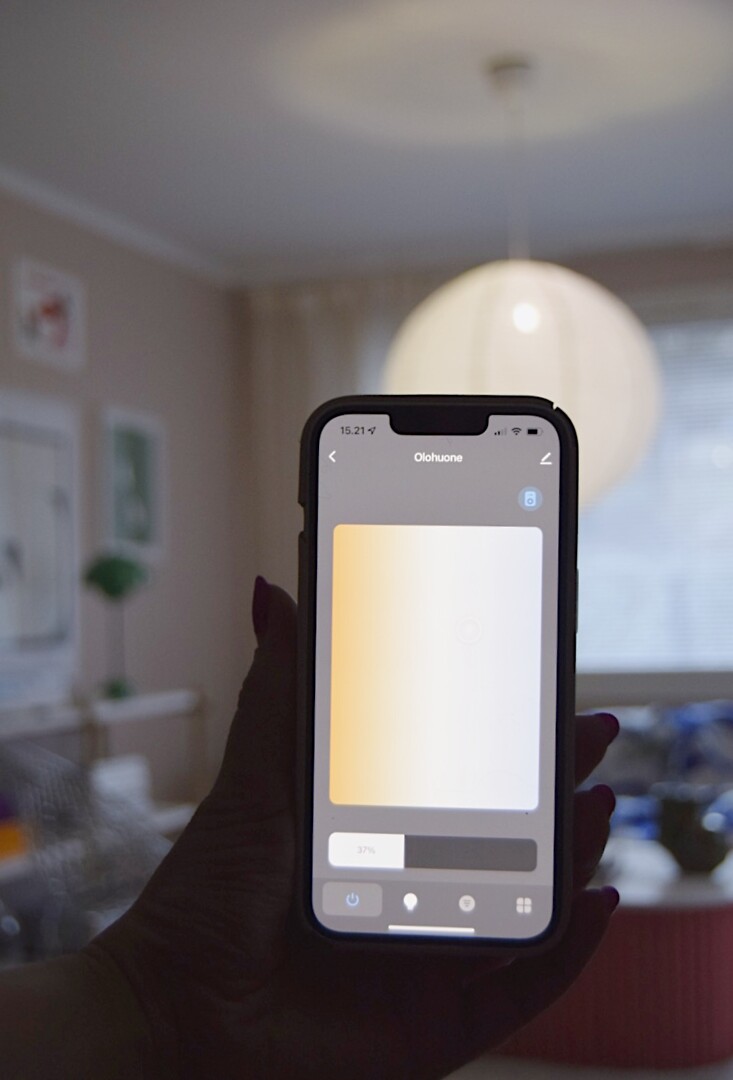
Airam SmartHome tips
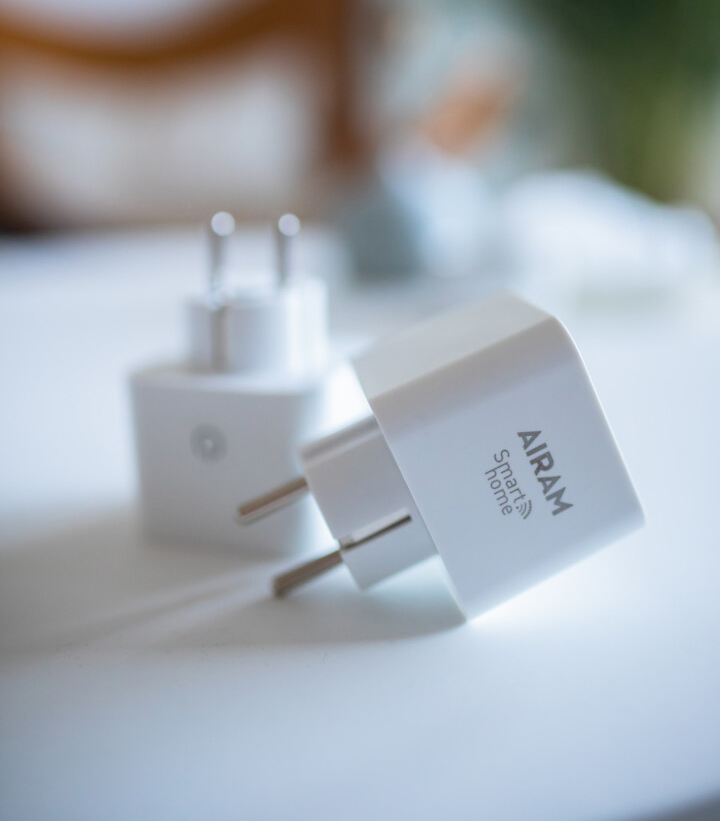
The Airam SmartHome app includes a wide range of features. The app is also updated and continuously developed. In this article, we describe only a few examples of handy SmartHome tips and use cases. We encourage you to explore the possibilities offered by both the app and the devices with curiosity and an open mind! If you have any questions, we’ll be happy to help at asiakaspalaute@airam.fi.
Pair devices in the app and use the features in versatile ways!
In the app, you can connect or pair SmartHome devices and create rules between them. In practice, this means that a predefined situation automatically triggers a specific function on another device. When it comes to using the different features of SmartHome devices, the only limit is almost your imagination!
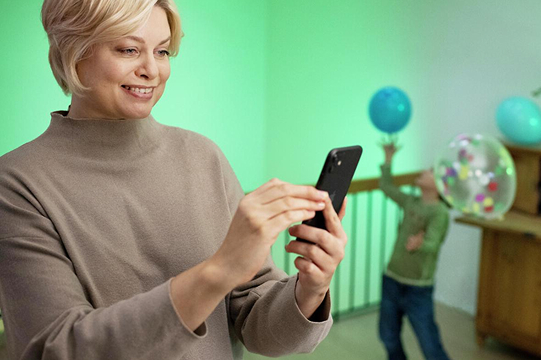
Your everyday life can be made easier with functions such as:
Pair a temperature & humidity sensor with a smart plug. Connect, for example, a humidifier to the plug. Set a threshold value for indoor humidity, so that the plug turns on and starts the humidifier when needed.
Pair a temperature & humidity sensor with a glass panel heater and define at what room temperature the heater will turn on automatically. Also set the target temperature for the heater.
The SmartHome app itself is versatile and can also access information such as outdoor temperature (e.g. severe frost). You can use the outdoor temperature data to start a heater (or a smart plug) automatically.
Pair a motion sensor with smart bulbs so you always step into a well-lit room. Set the lights to turn on dimmer at night, so you can move safely without glare.
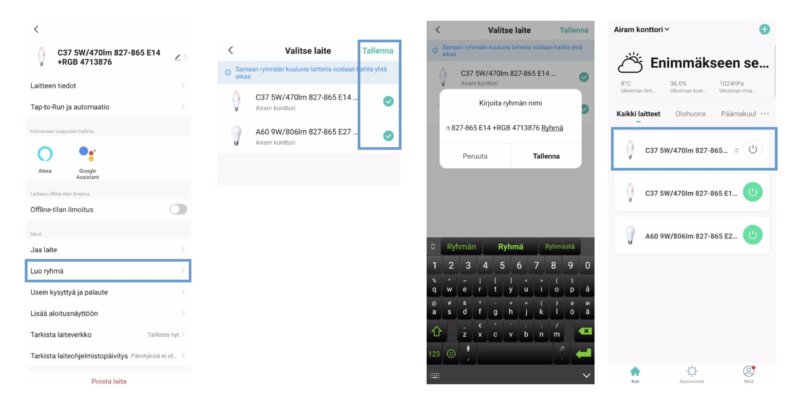
How to create a group in the app
For example, you can add all bulbs in the same room into one group, making it easy to switch them on or off with a single tap.
Create lighting that fits your daily routine with the Rhythms feature
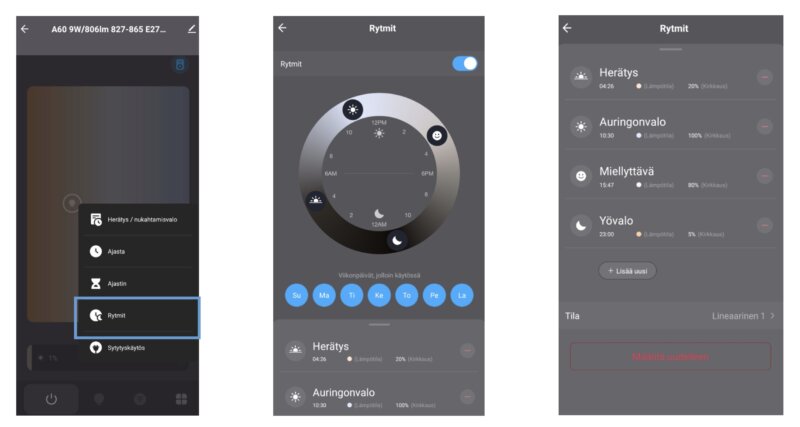
With the Rhythms feature, you can set a specific lighting scene to turn on at a certain time. The rule makes the light change automatically and smoothly according to your selected settings. Light has a significant impact on well-being and alertness: a softly and gradually brightening light can wake you gently in the morning, while in the evening a warmer and dimmer light helps you unwind for sleep.
Power-on behaviour
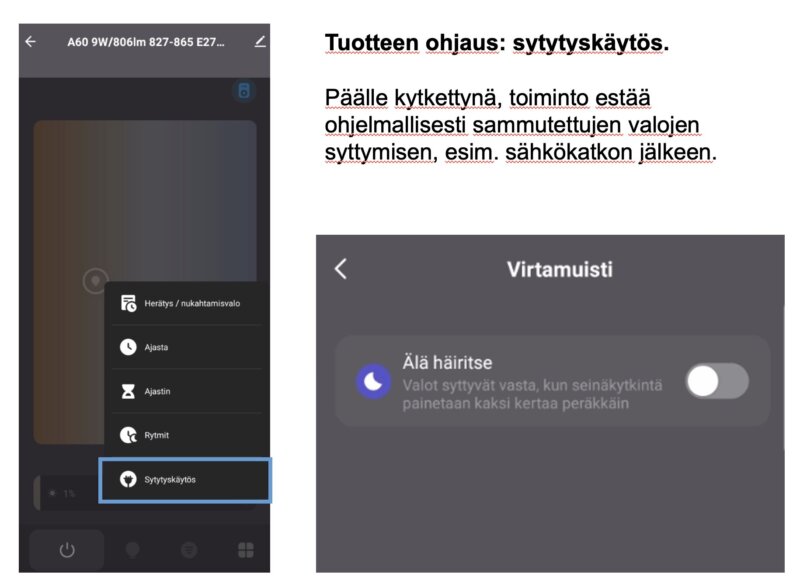
You can define how a SmartHome product behaves if it suddenly loses power (for example, during a power outage) and what happens when power is restored. This setting is especially useful for smart bulbs, so you won’t be woken up in the middle of the night by unexpected flickering or lights turning on. The same setting can also be defined for other SmartHome devices. With a smart plug, it’s worth considering what device is connected to it and whether the plug should automatically turn on after a power outage.
Do you have more than one person at home who needs to control the lights?
In the app, a home can only have one owner, but as an administrator you can add members to your home and give them access to the devices. In a large household or a family with several children, this may sometimes cause friction – in that case, try the SmartHome remote control! The sleek remote comes with a wall mount, so you can place it discreetly next to a light switch – if needed, even one in each room.
Please note that the SmartHome remote control is not compatible with all SmartHome light sources. It can be used to control LED bulbs and standard LED strips, but not, for example, Pixel or Neon LED strips.
Improve home security with SmartHome
Use automations and various timer functions for your home lighting. This not only adds atmosphere and everyday comfort, but also makes your home appear occupied from the outside – even when you’re away.