
Airam SmartHome
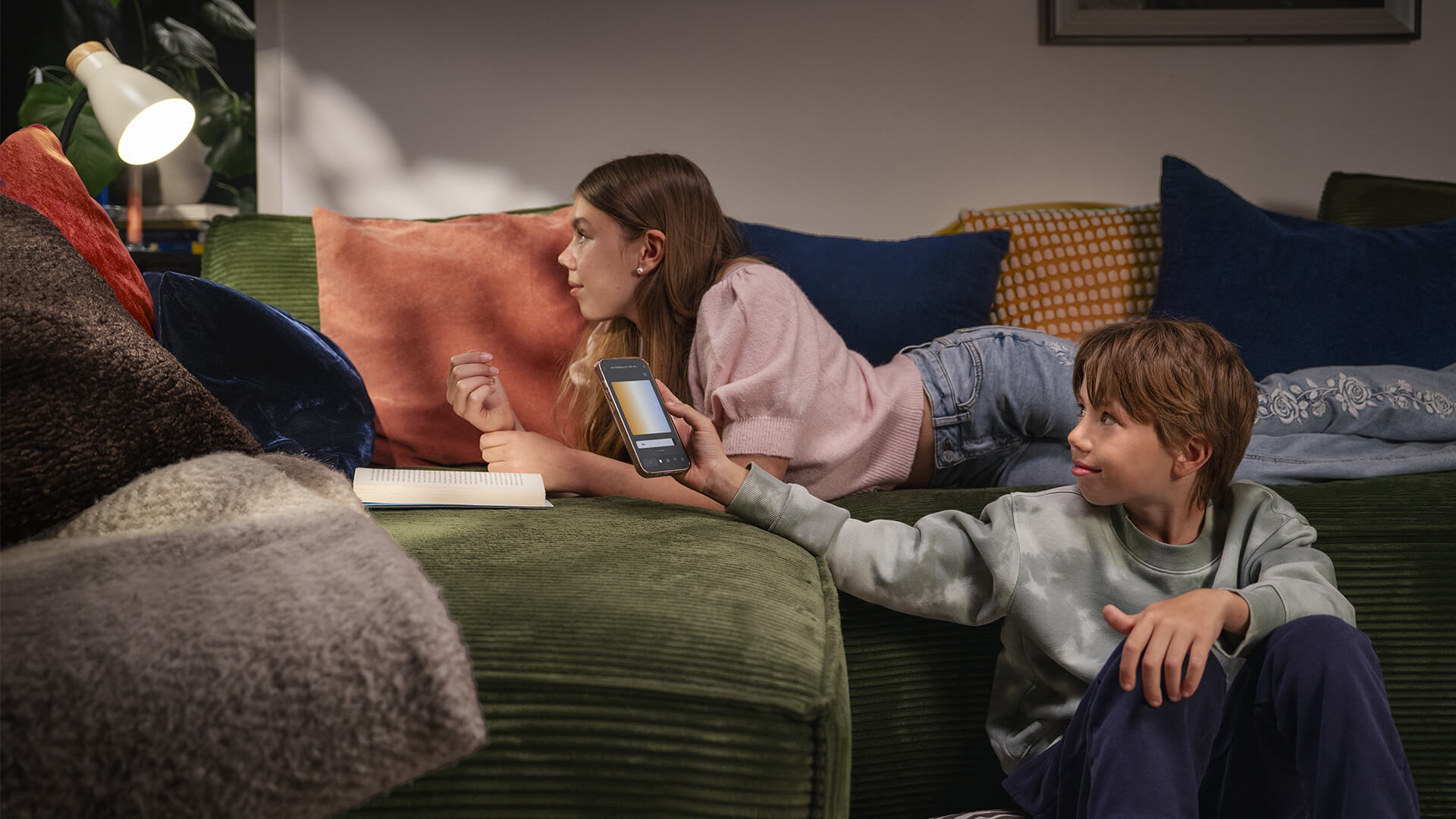
A smart home easily and effortlessly
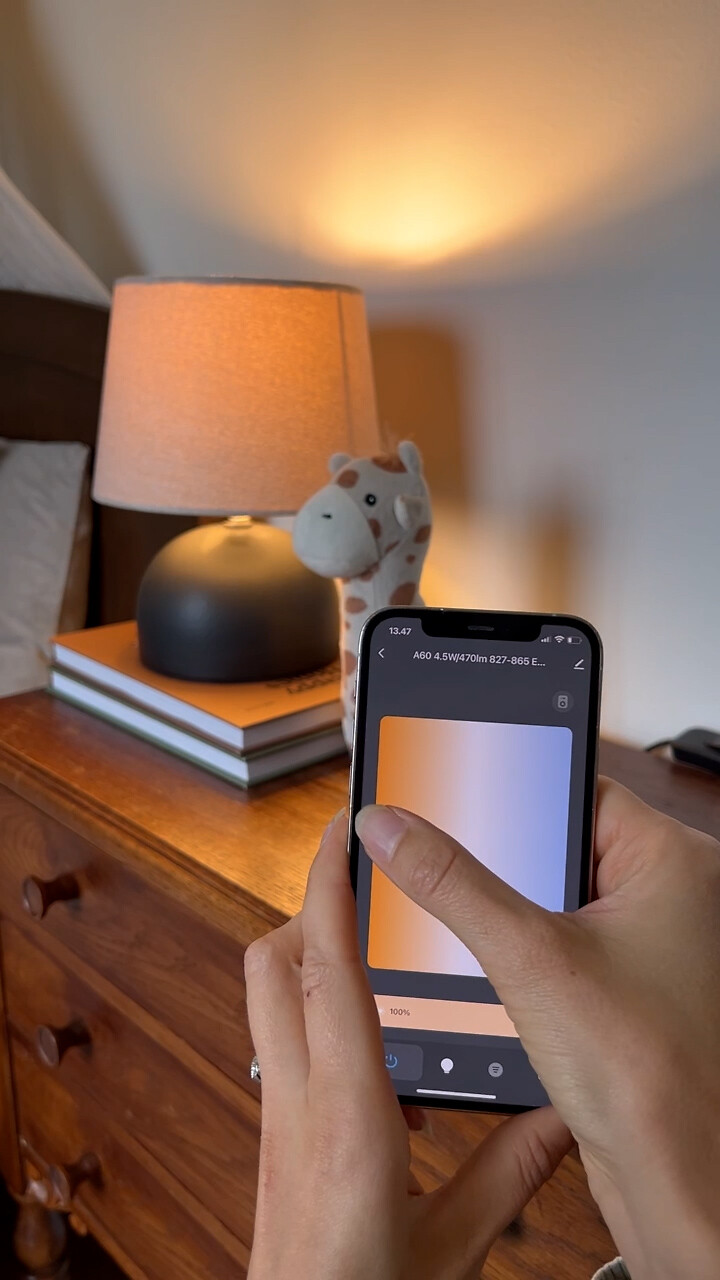
Smart lighting with Airam SmartHome products
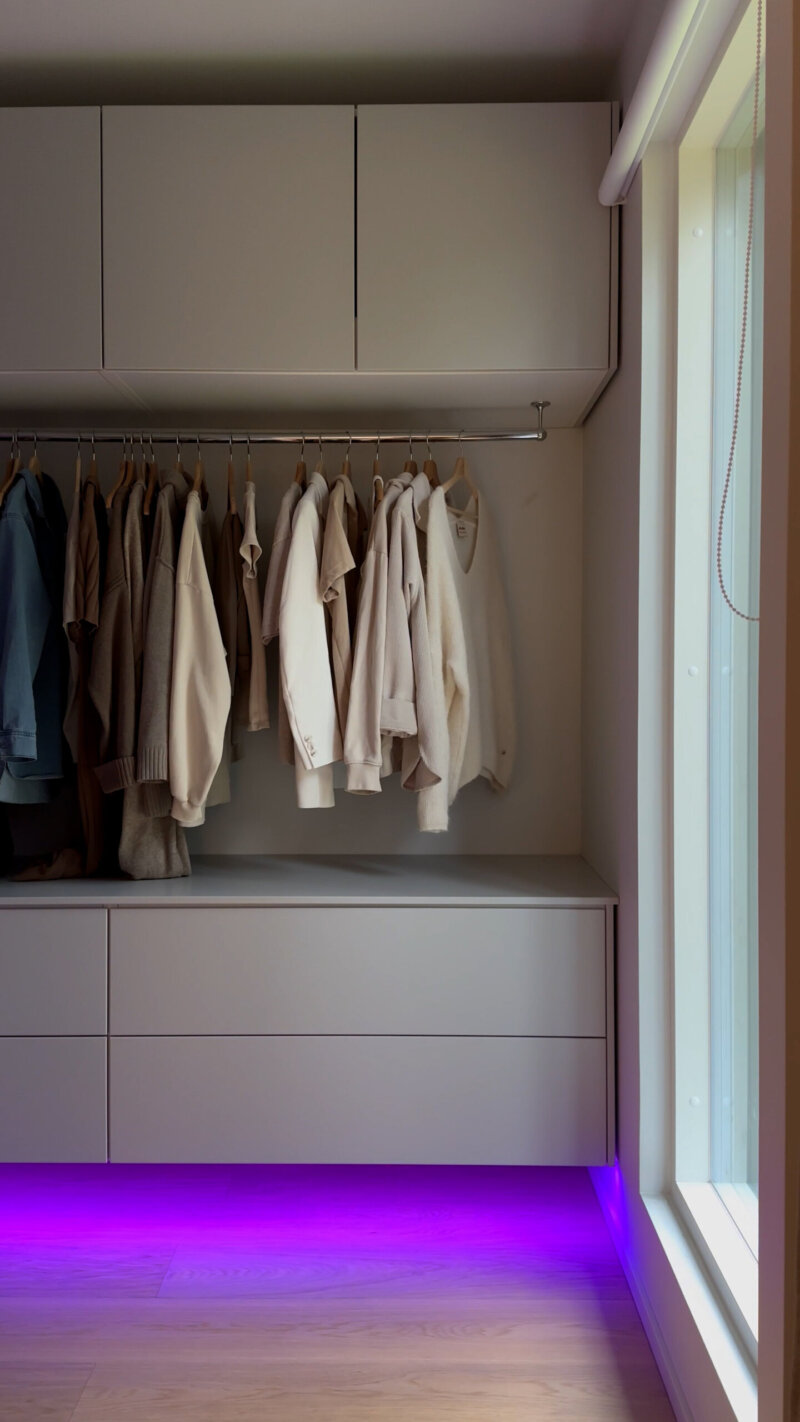
Airam SmartHome lamps and led strips bring unlimited possibilities to lighting. Schedule, dim, change the tone of the light and create the right atmosphere for every space and moment. Easy!
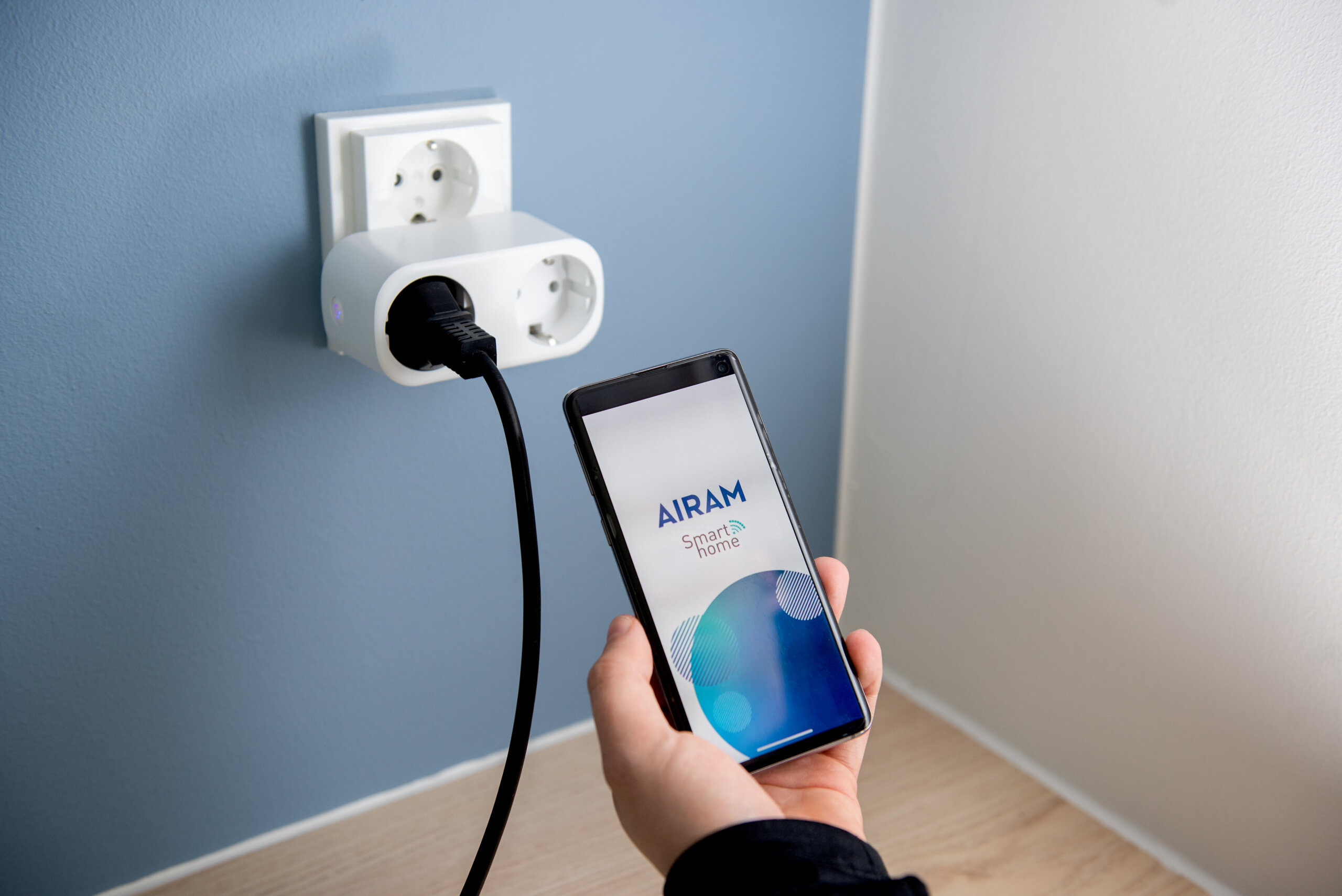
Improve home security with Airam SmartHome products
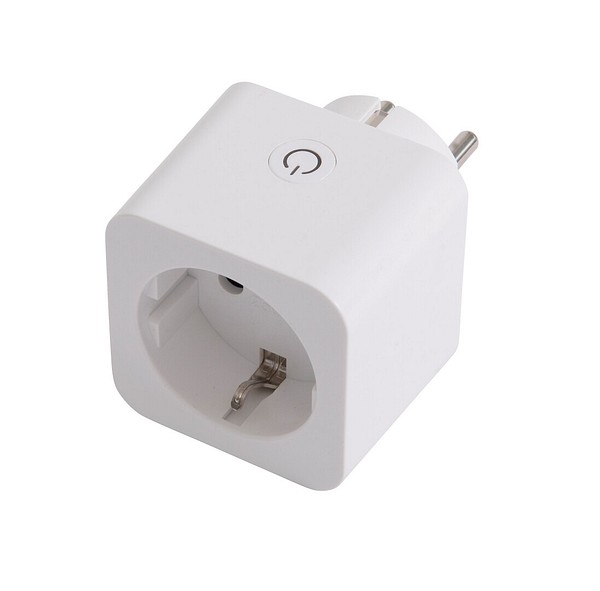
Airam SmartHome cameras and alarms keep you up to date on what is happening at home, wherever you are. You can also use smart sockets and extension cords to schedule and control home devices remotely.
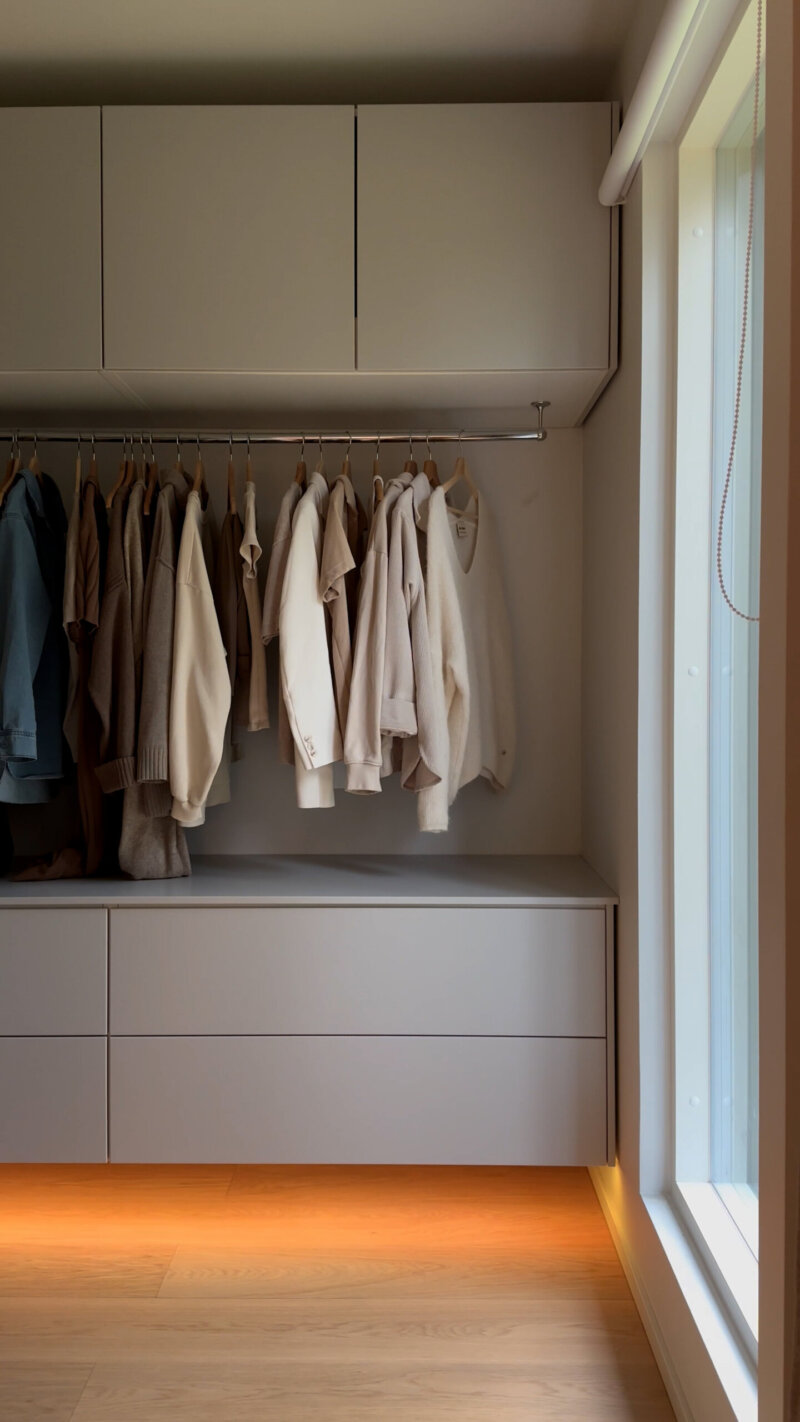
Smarter light!
Smart lighting with your own luminaires
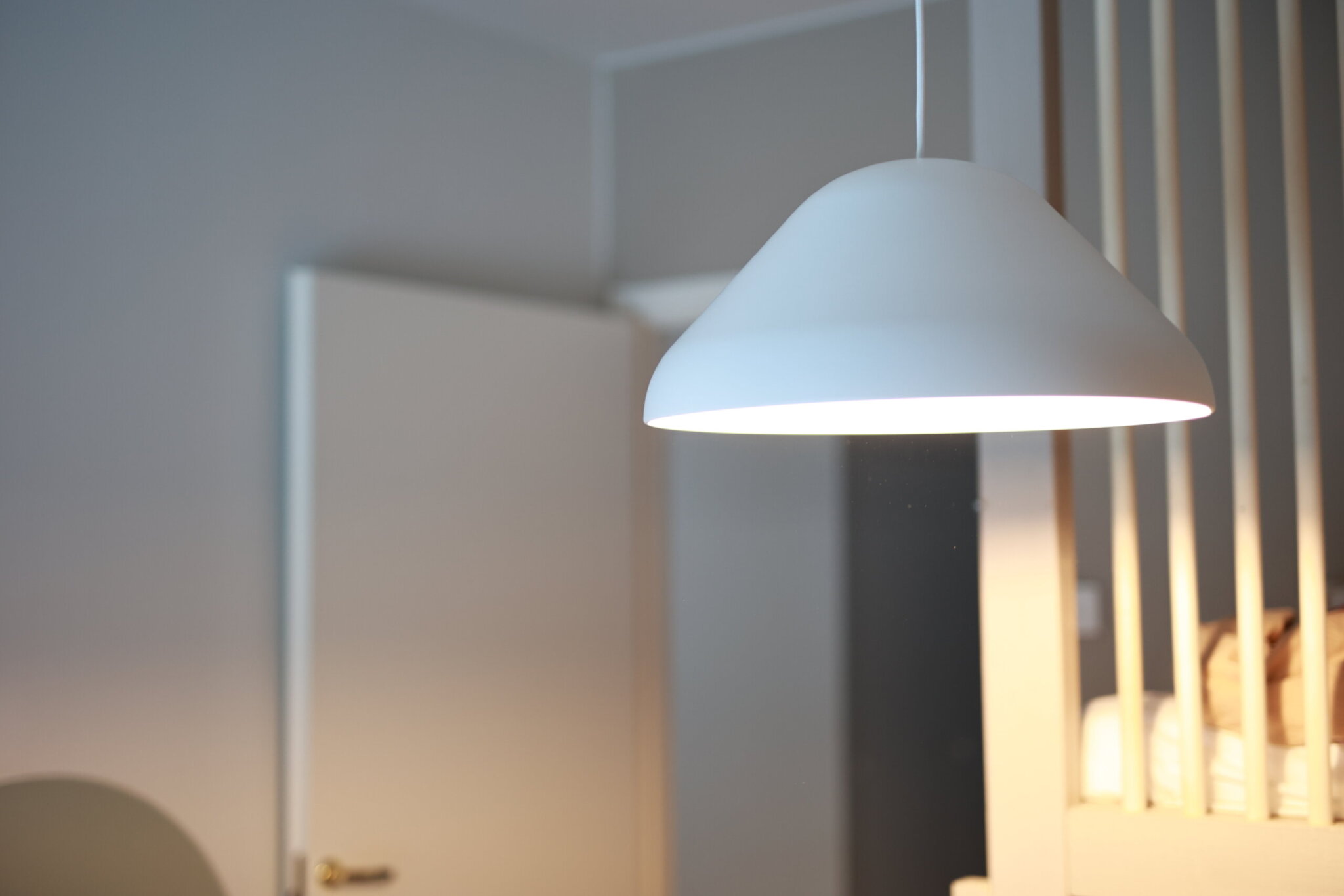
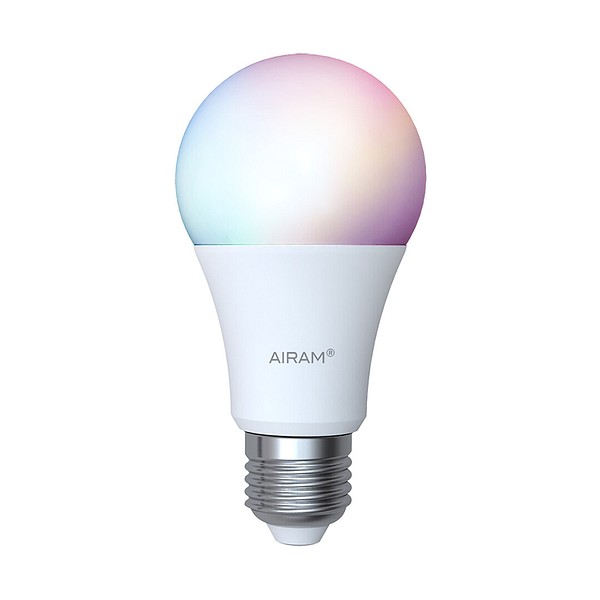
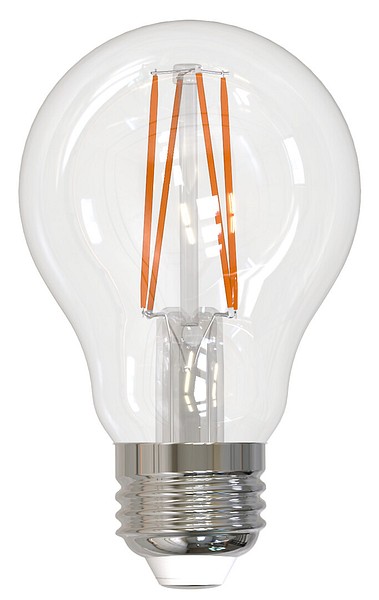
Airam SmartHome lamps fit existing and traditional luminaires.
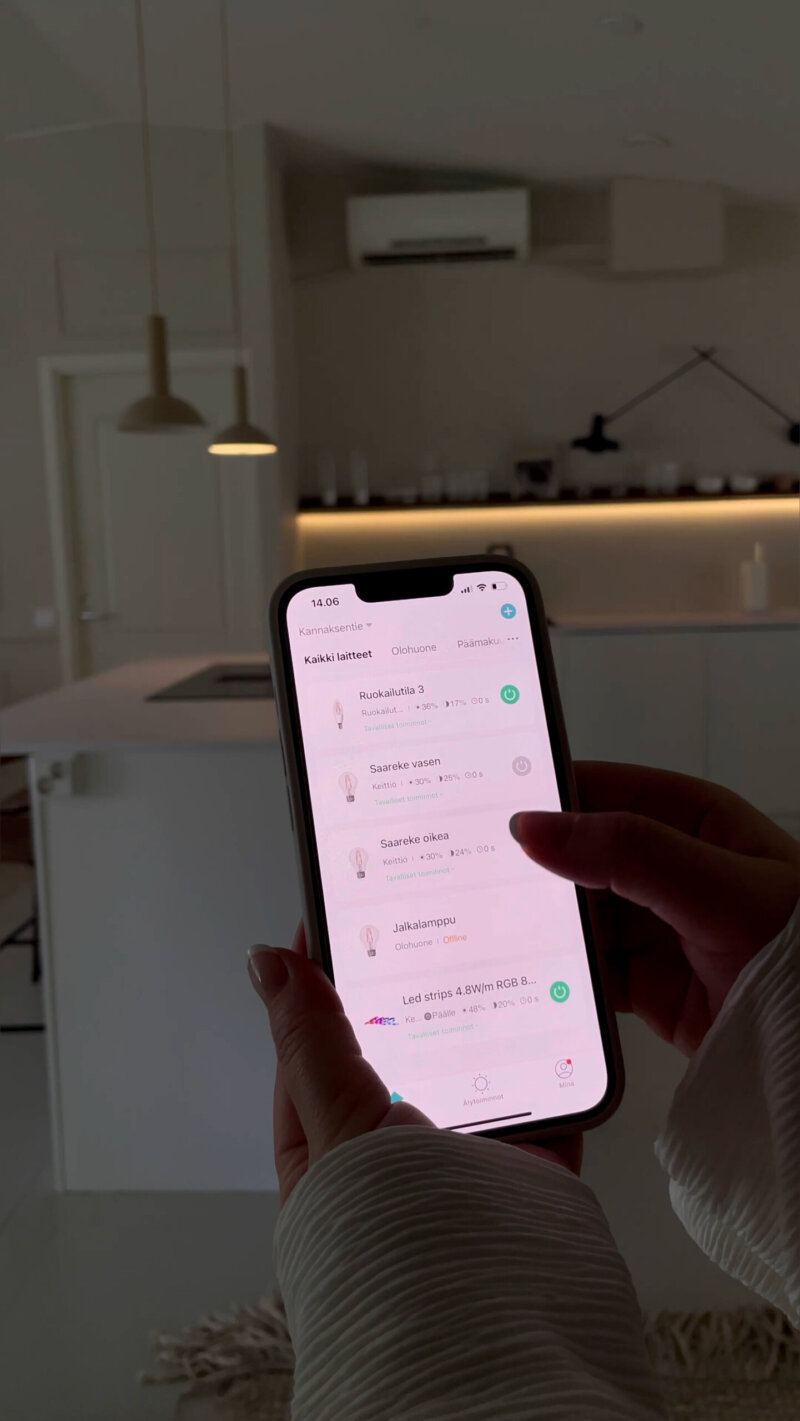
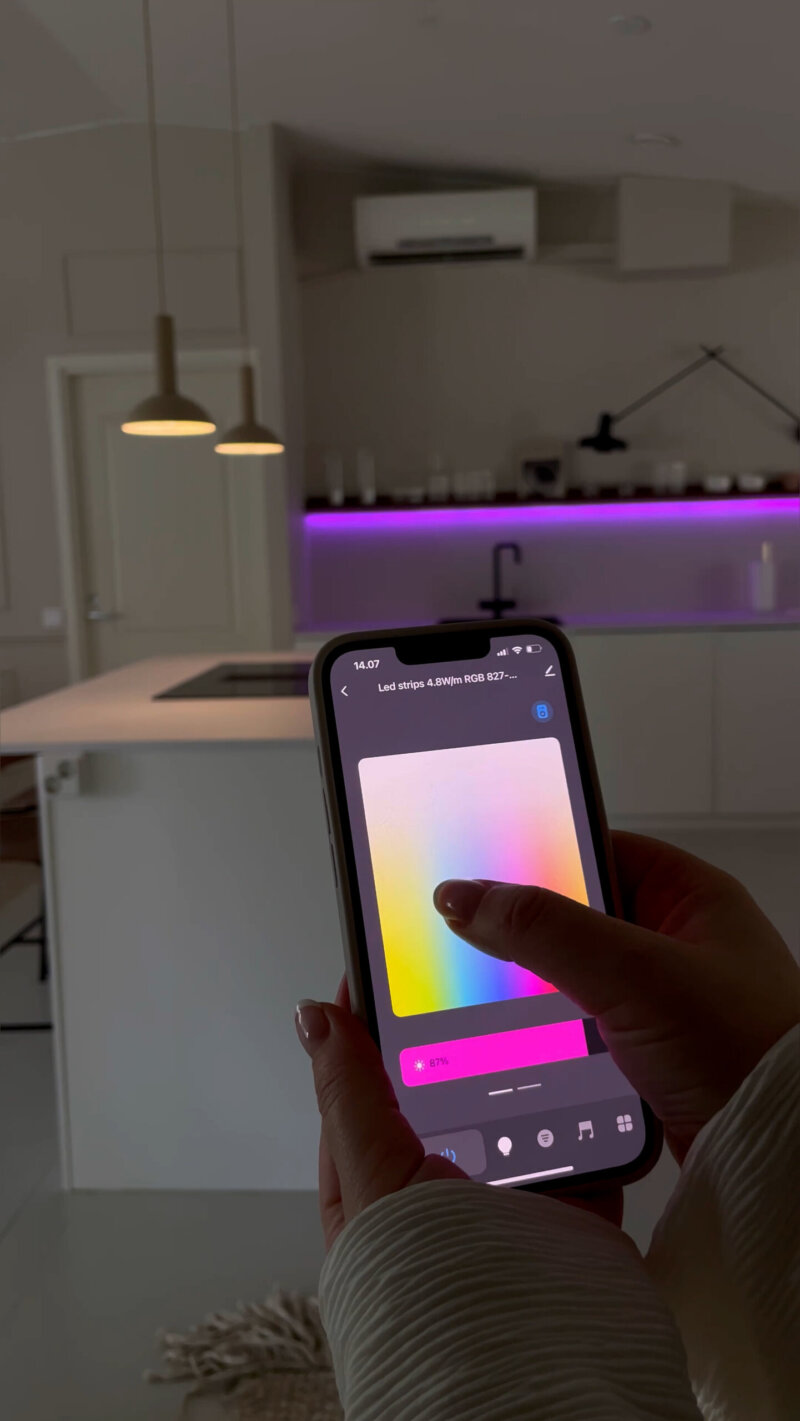
With the Airam SmartHome app, you can:
- create atmospheres and automations
- dim the light
- change the tone of the light
- schedule the lighting
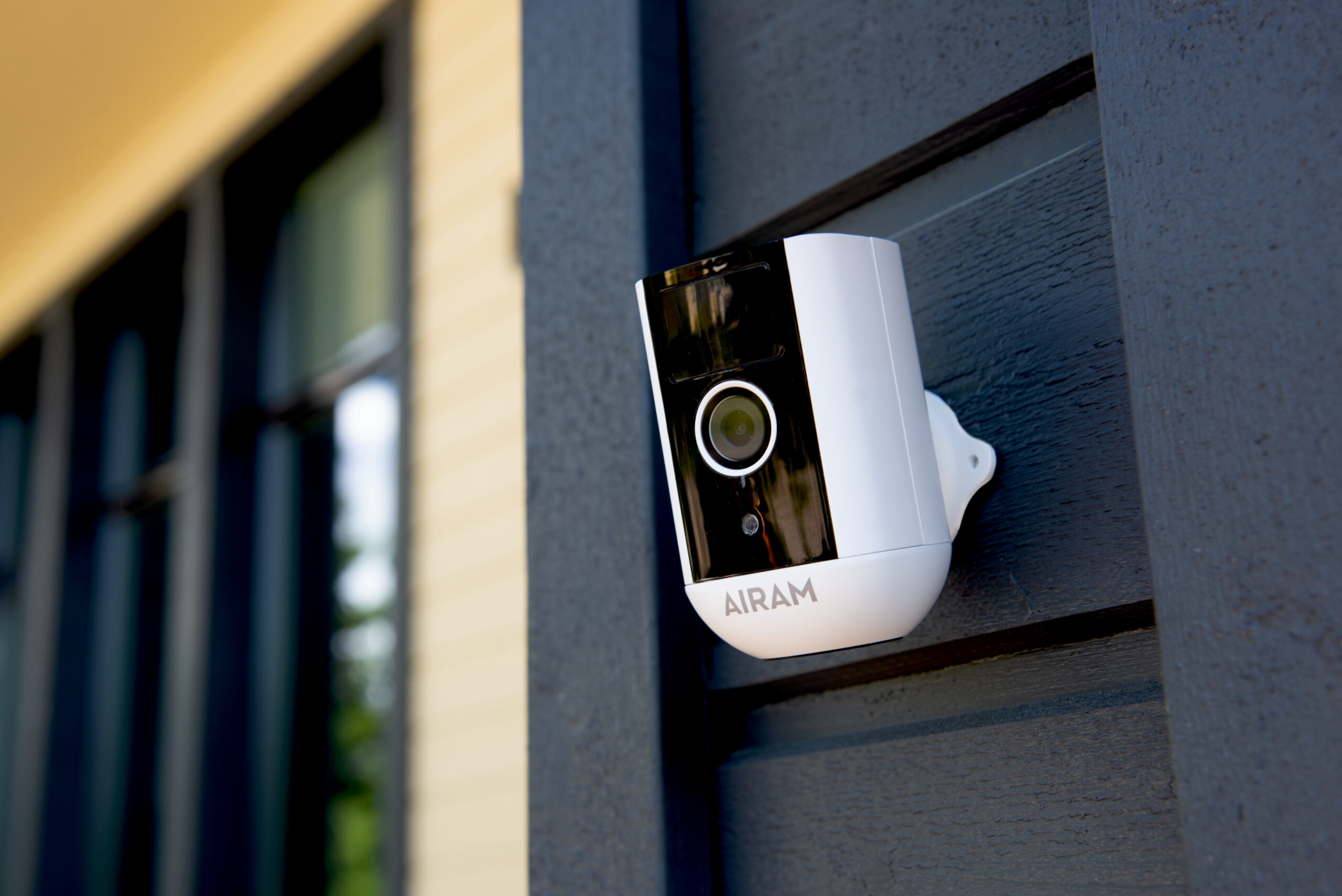
Cameras
With the Airam SmartHome outdoor camera, you can make sure that those moving around in your yard are there for the right reasons. Two-way audio, a motion sensor and human shape detection increase security.
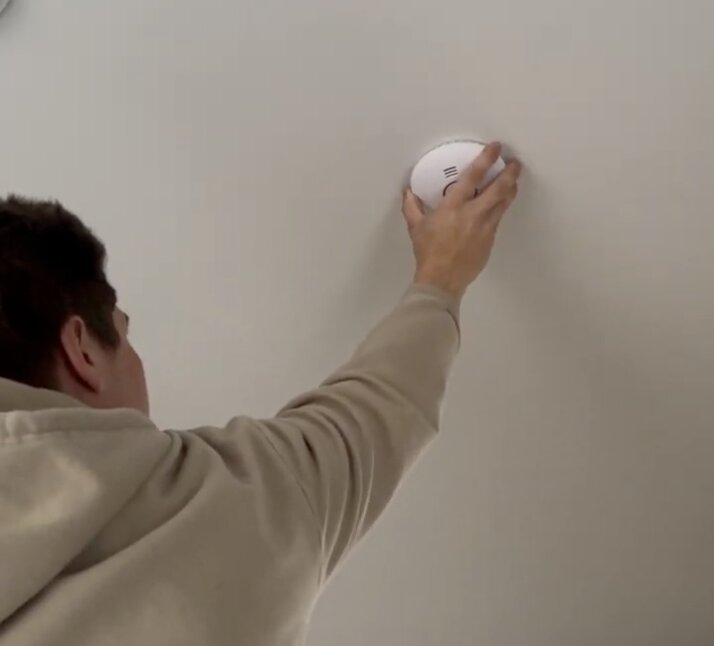
Alarms
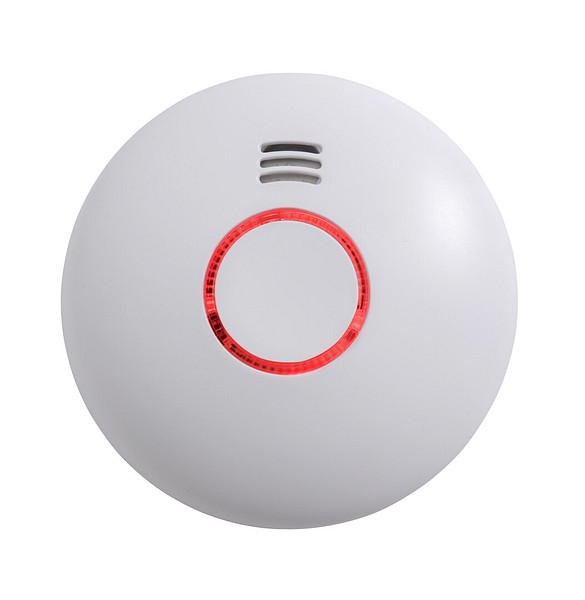
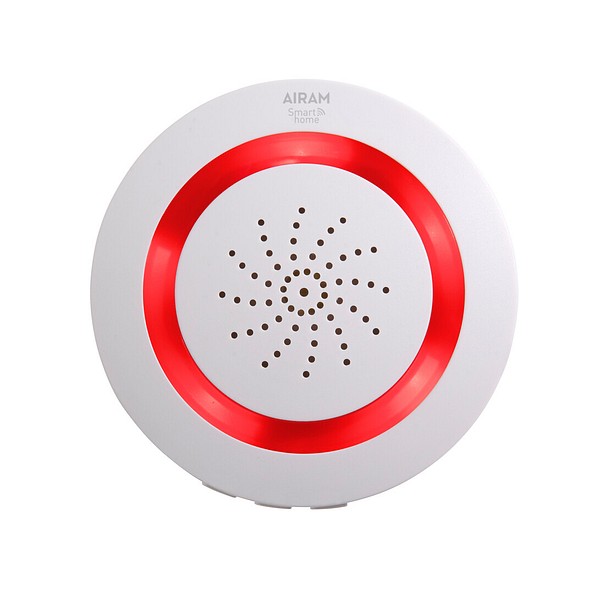
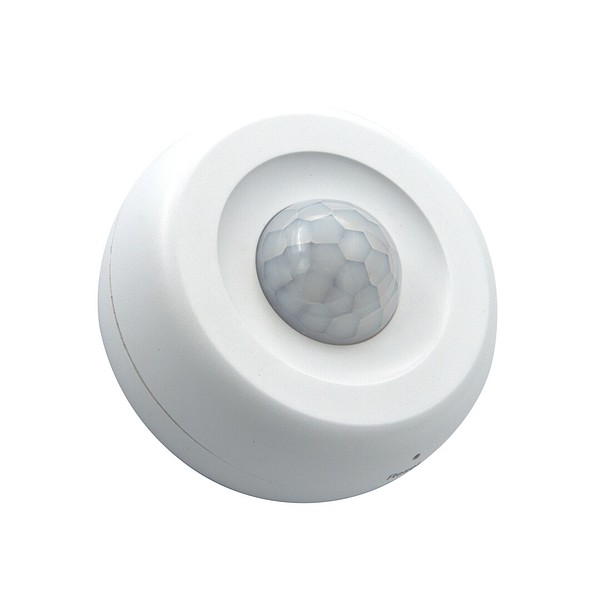
The wireless SmartHome smoke alarm connected to the Airam SmartHome app notifies you of a fire alarm in your home and enables a quick response. Add extra security with a smart siren and motion sensor.
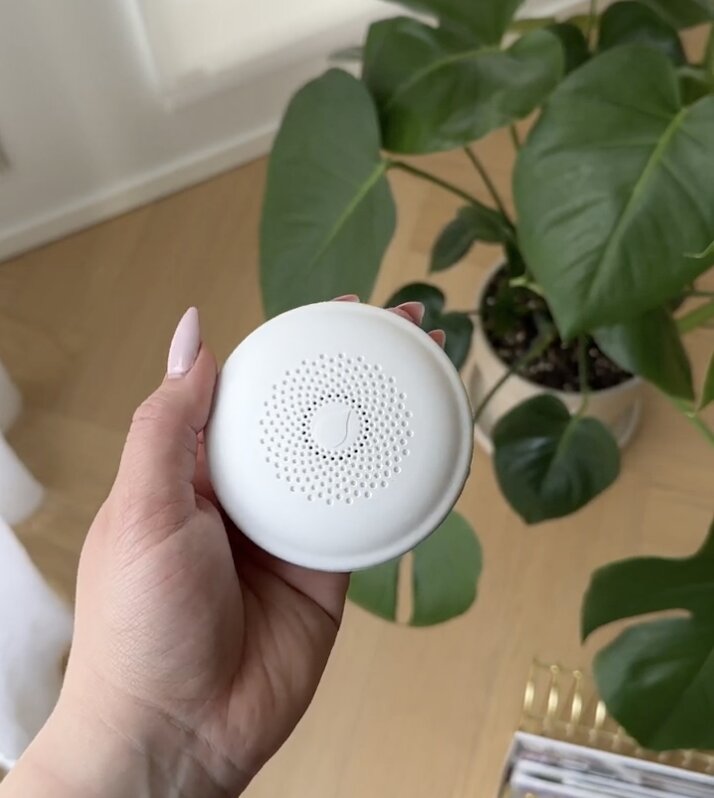
Water leak detector
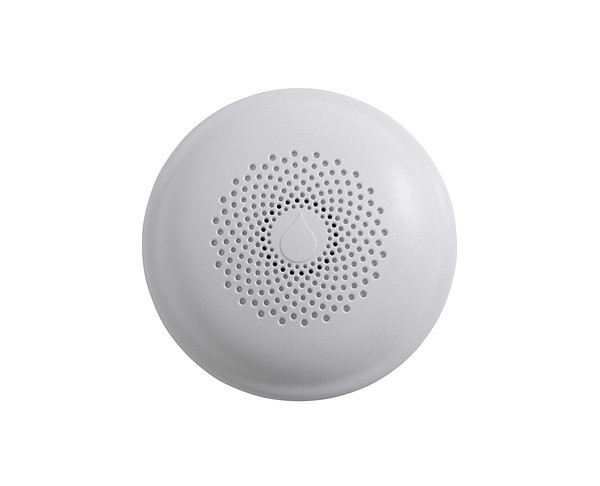
The Airam SmartHome water leak detector enables a quick response and helps prevent extensive water damage by sounding an alarm and sending a notification of a water leak to the Airam SmartHome app.
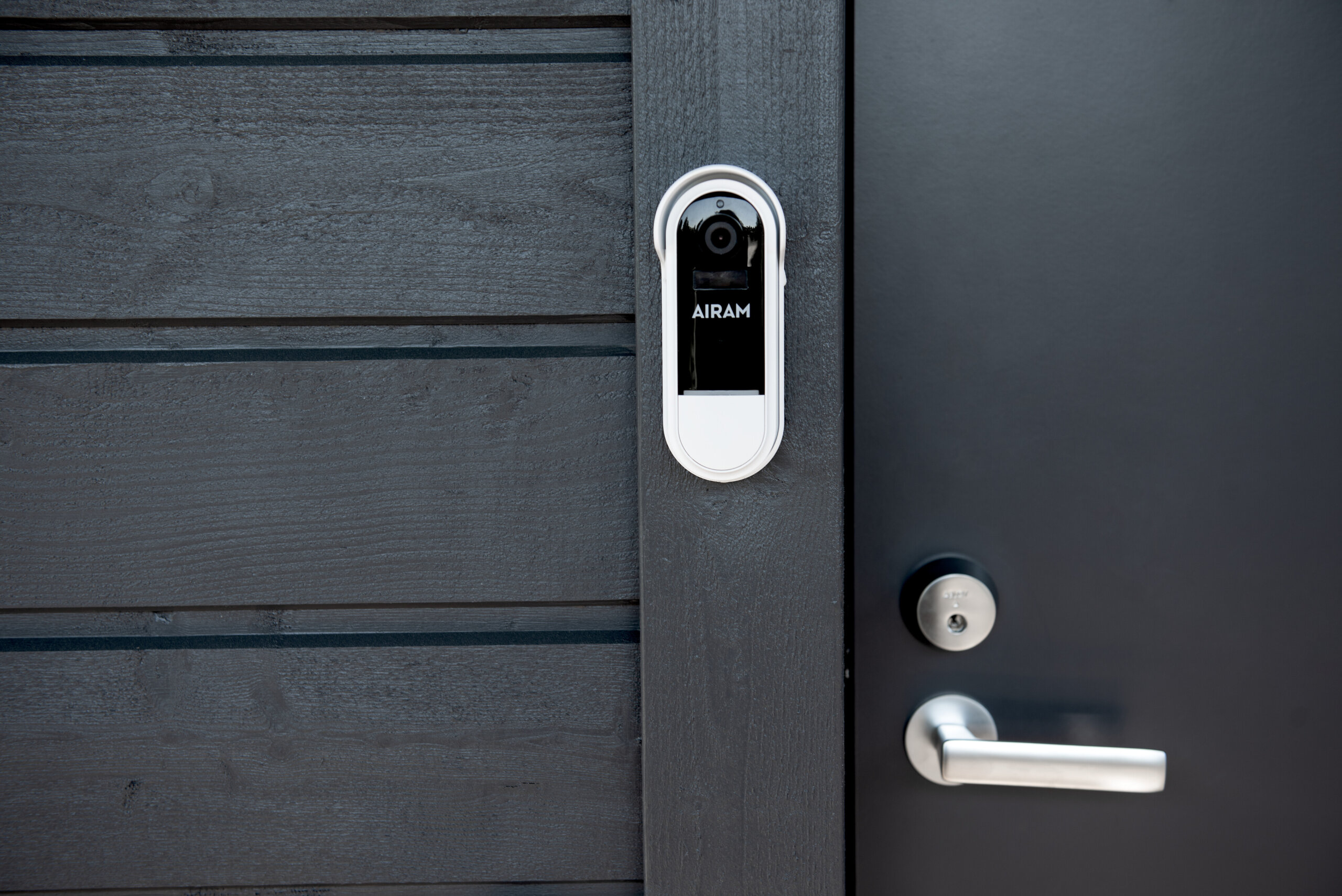
Doorbell
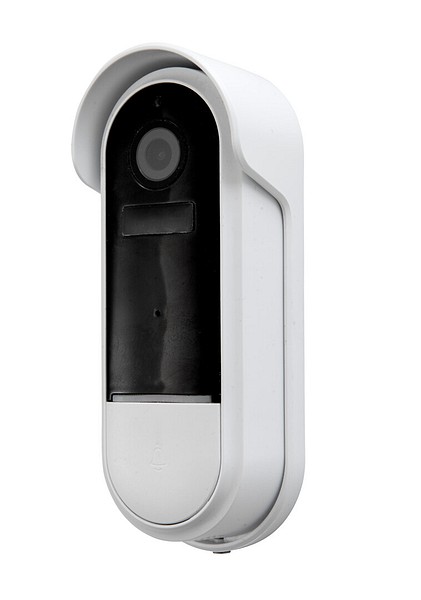
With the Airam SmartHome doorbell, you can see who is at the door in the Airam SmartHome app when needed. You can also listen to the visitor and speak to them.
Airam SmartHome
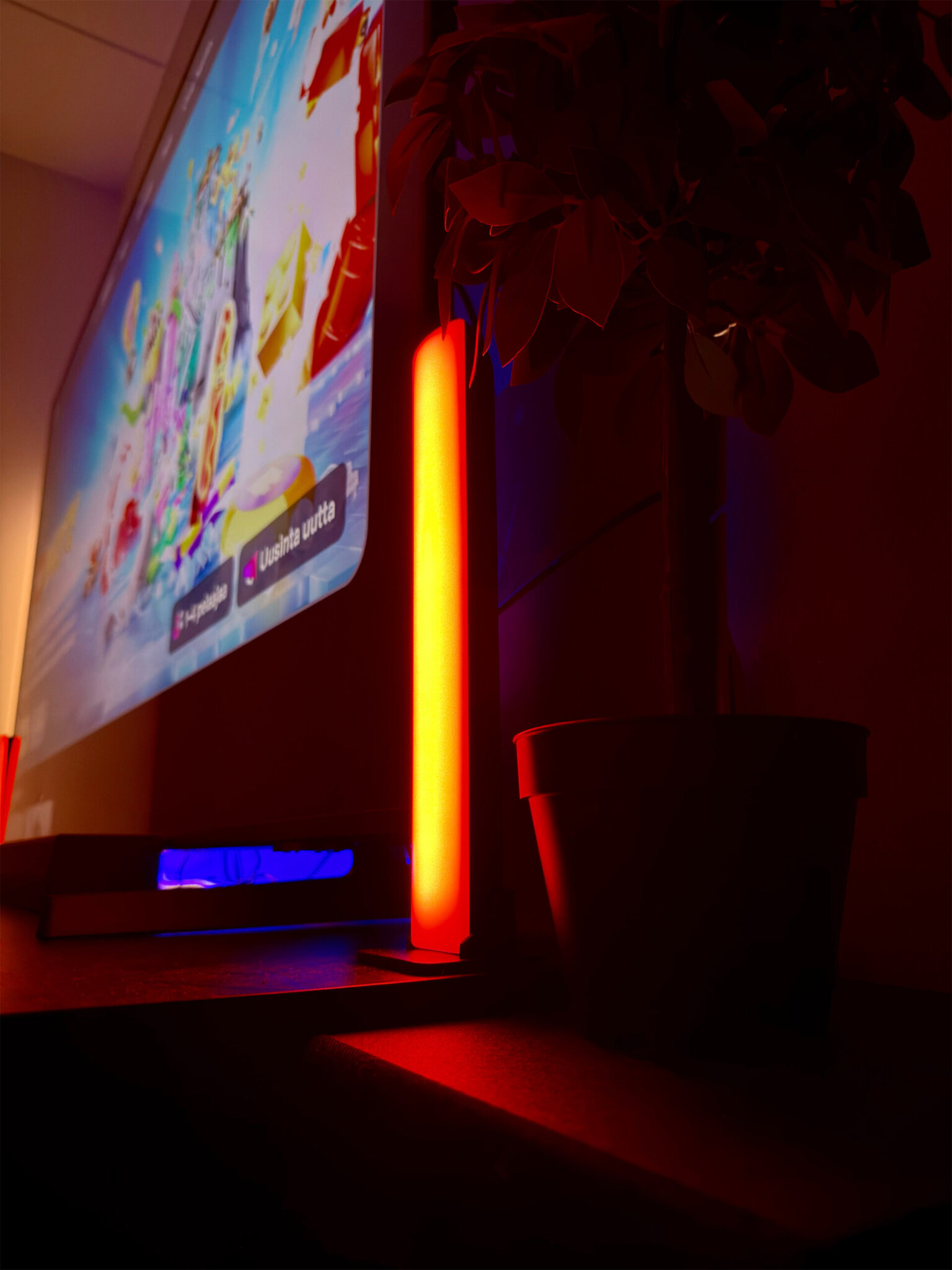
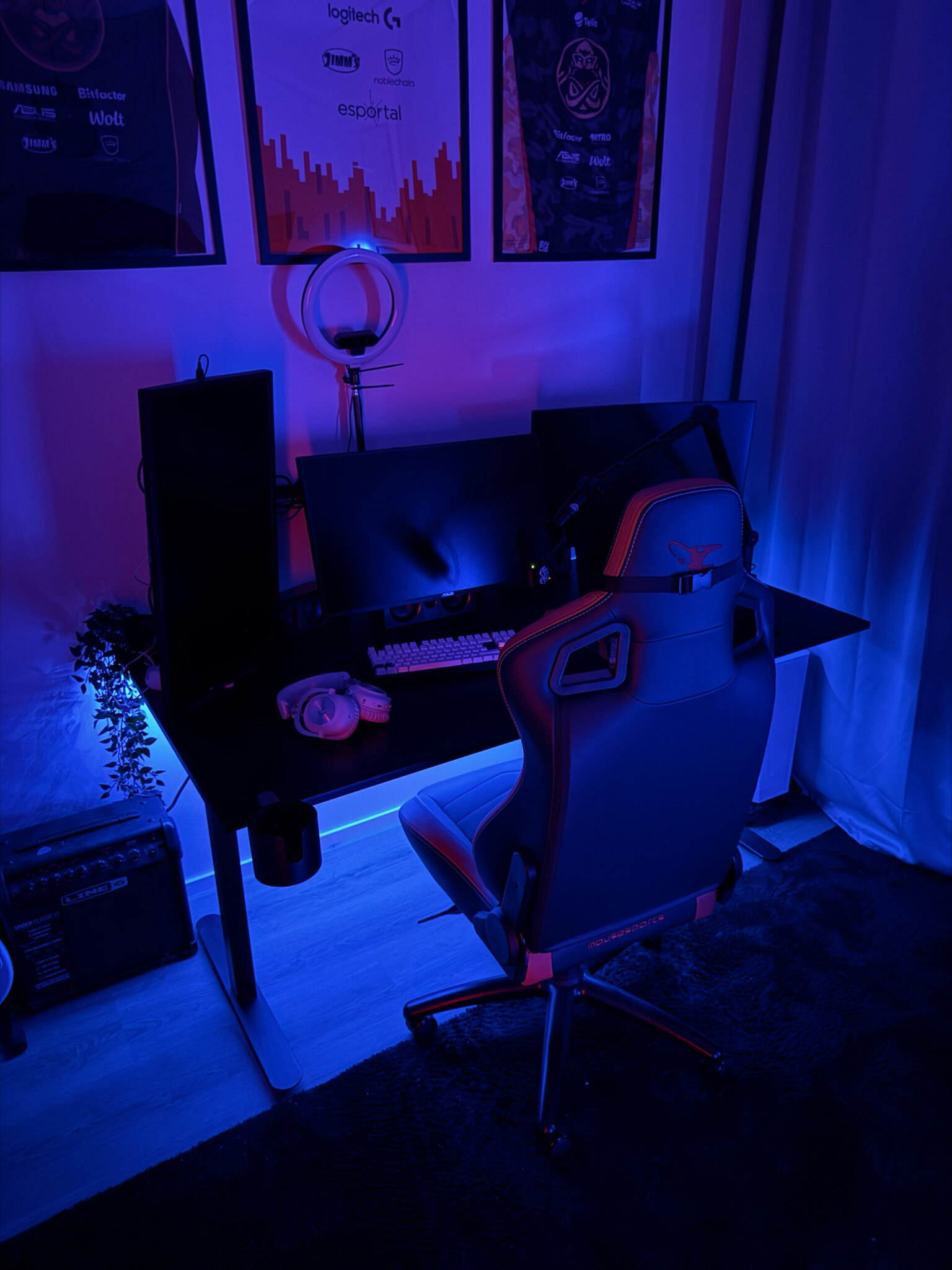
Create your dream gaming room with smart lights
Smart lights move with the game and take gaming to the next level. Pixel and Neon led strips are easy to attach to a shelf or under a desk, and with the Airam SmartHome app you can control the lighting effortlessly. Activate the music function, and the lights react to game sounds. The Sleek floor lamp and Arcade table lamps also move with sound and rhythm.
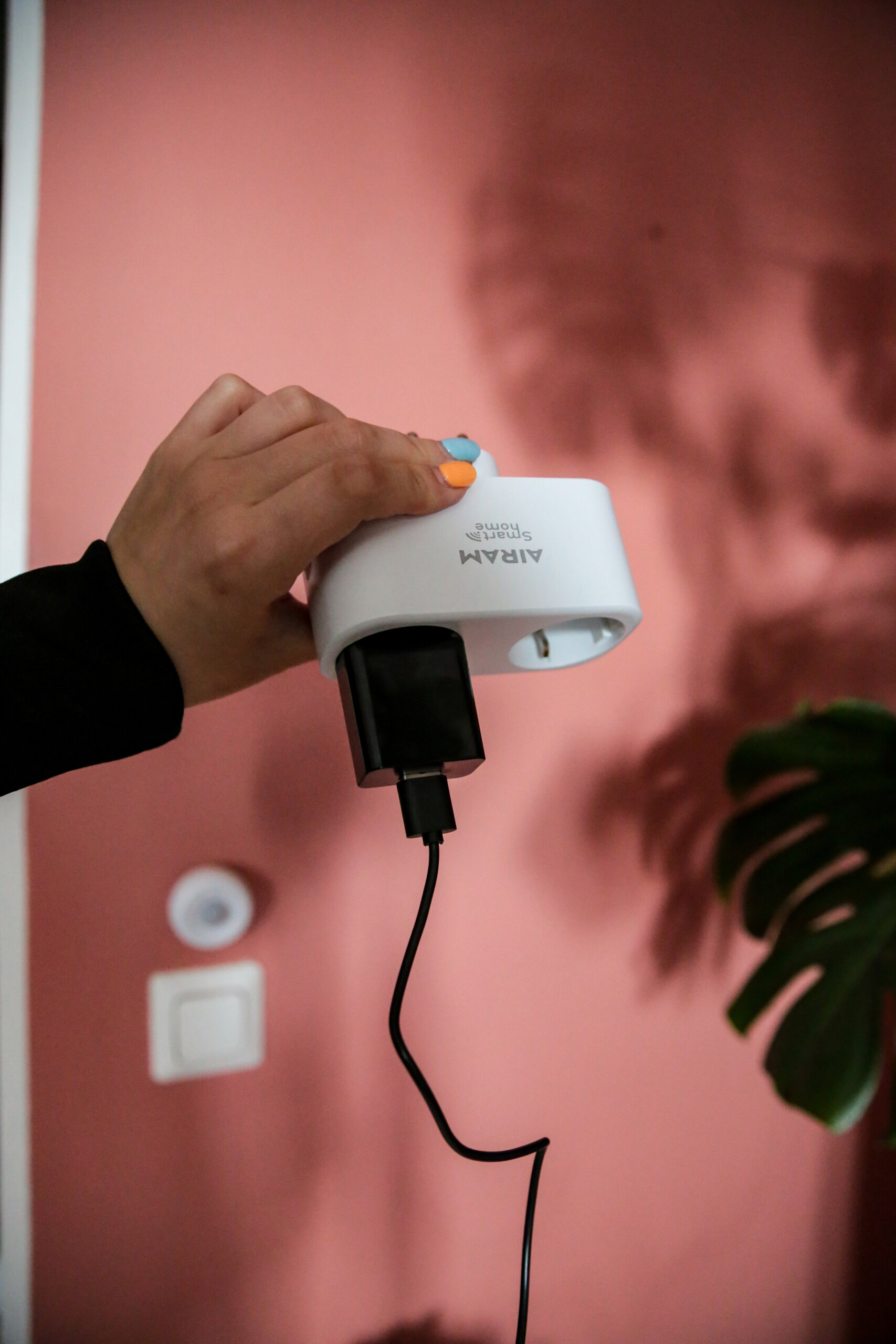
Airam SmartHome usage tips
The Airam SmartHome app includes a wide range of features. In this article, we describe examples of practical SmartHome usage tips and situations.
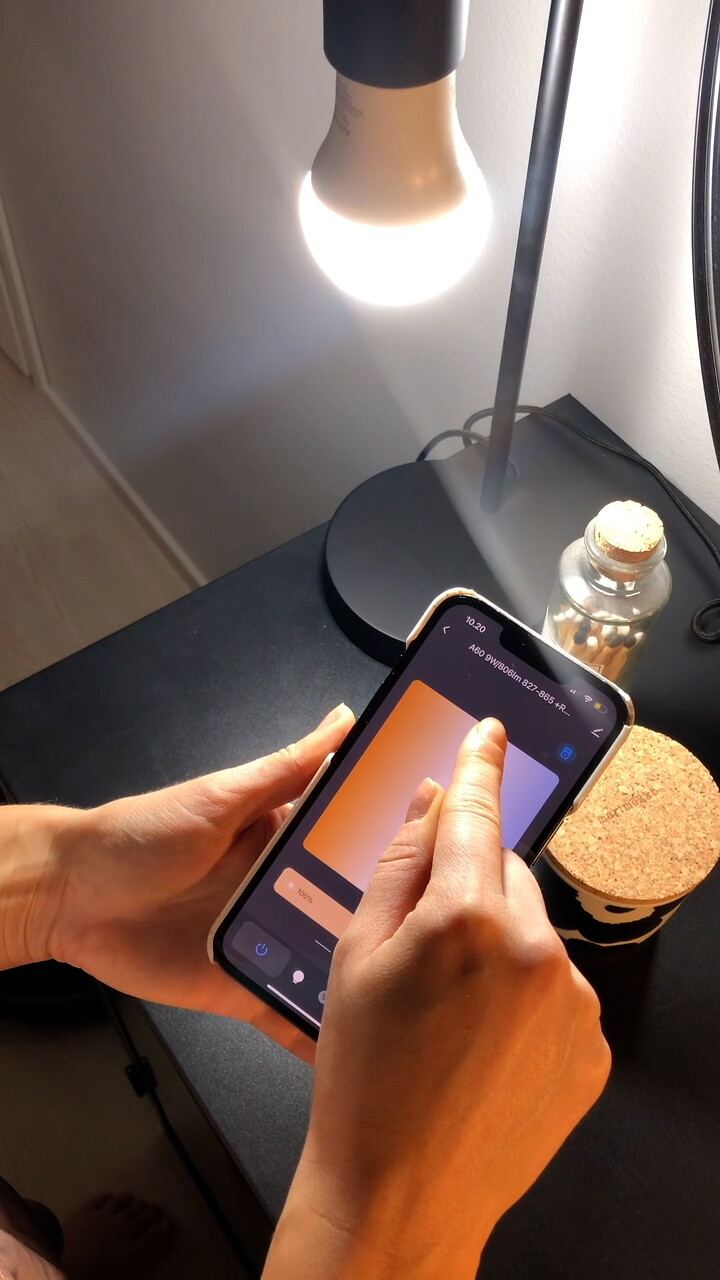
Airam SmartHome guide videos
Are you looking for help or tips with questions related to using your Airam SmartHome product? We have conveniently gathered all videos related to the setup of Airam SmartHome products on one page.
Airam SmartHome app privacy policy
The privacy policy describes how your personal data is processed when you use the Airam SmartHome app.
Are you new to SmartHome? Did you run into challenges during setup?
To help you get started smoothly, we put together a quick guide to frequently asked questions about Airam SmartHome products and the app.
Tip: Also explore the extensive, product-specific FAQ section in the Airam SmartHome app. You can access the section after connecting the product to the app. You can also find more help in our guide videos and usage tips at the bottom of this page.
The first time, you can connect your Airam SmartHome device by selecting “Add device” on the device management home screen. Later, you can add new devices using the + button in the upper right corner of the app. You can add a device manually or by using the app’s automatic device search. For manual pairing, select the device from the list and follow the instructions in the app. If you cannot find your device in the list, use the Other category.
In case of connection issues, check the following:
- Make sure Bluetooth is enabled on your smartphone (some devices use Bluetooth to speed up and simplify pairing).
- Make sure the device has power, is switched on, and is in pairing mode.
- Ensure the WiFi network used for pairing is not hidden and that the signal strength is good.
- Check that the WiFi password is entered correctly.
- Make sure the WiFi network frequency is 2.4 GHz.
- Ensure that DHCP is enabled on your WiFi router.
- If the connection is otherwise good but pairing fails, check that the WiFi router is not overloaded.
Use AP mode with the following products: IP44 smart plug, LED strips, smoke alarm, water leak detector, siren.
You can reset the device by following these steps:
- Make sure the device has been switched off for more than 10 seconds before turning it back on.
- Switch the device on and off three times (on–off–on–off–on) with a few seconds between each action. Wait until the device starts flashing rapidly. The device will enter Smart mode, and you can now reconnect it via the app.
Select the device (for example, a smart bulb) in the app and tap the device icon. This opens the control panel. From the upper right corner of the control panel, you can access device settings and remove the device from the app.
Select the device in the app and tap its icon to open the control panel. When the device is on, you can control colour, brightness, timers and preset lighting modes. Even if the device is off, you can still manage timers.